
Download 3D Miracle – 3D Stereogram Generator, 3D Monster Tool, Single Image 3D Visualization
Overview
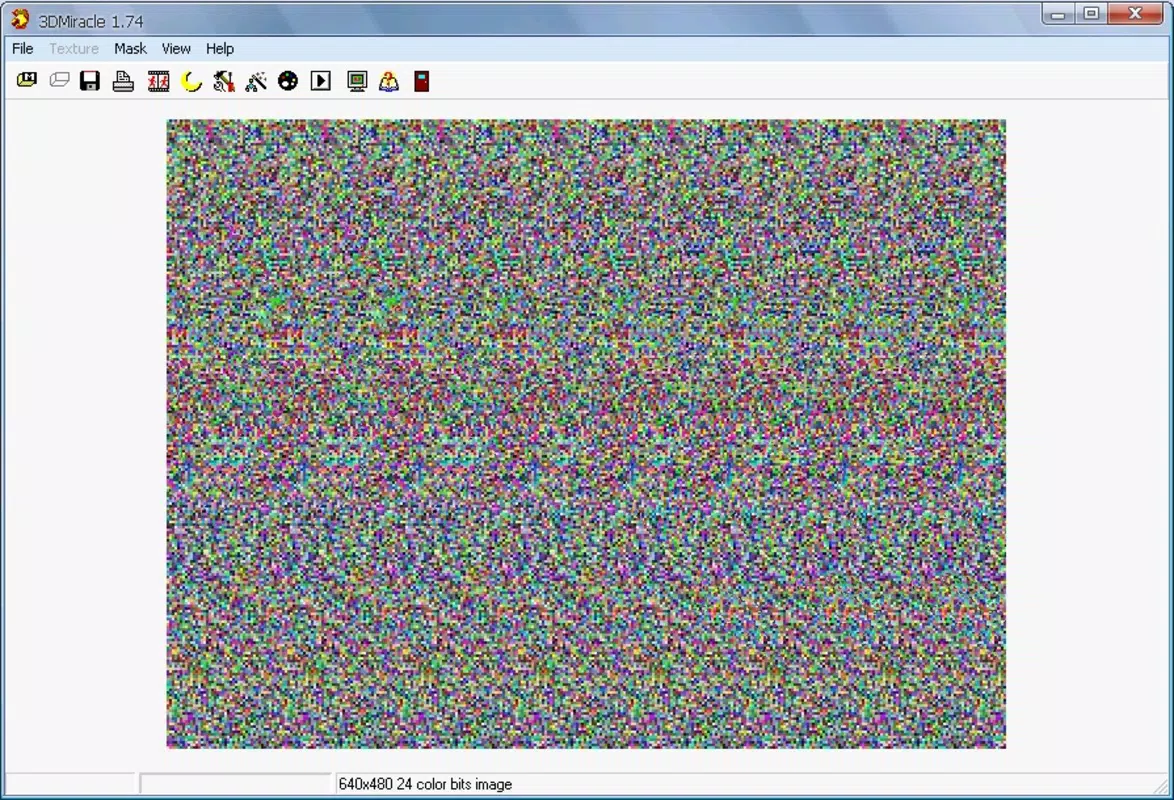
3D Miracle is a specialized Windows application designed for the creation of single image stereograms—visual illusions that reveal hidden 3D images when viewed correctly. The app enables users to embed depth into flat images, producing striking visual effects that captivate viewers. Its primary purpose is to simplify the complex process of stereogram generation, making it accessible to both creative hobbyists and digital artists. By transforming 2D visuals into immersive 3D experiences, 3D Miracle addresses the need for accessible, intuitive tools in digital art and visual experimentation. The application targets users interested in optical illusions, 3D visualization, and creative digital design, particularly those exploring stereoscopic art without advanced technical knowledge.
While the developer has not provided additional background information, the app’s longevity—first released in 2008—suggests a dedicated user base and sustained relevance in niche creative circles. Real-world applications include educational demonstrations of depth perception, artistic expression, and entertainment through hidden image reveals. Within the broader software ecosystem, 3D Miracle fills a unique gap by combining stereogram creation with a dedicated 3D model conversion tool. Its presence underscores a continued demand for specialized visual tools, even in a market dominated by mainstream productivity and entertainment apps.
Key Features & Functionality
- Intuitive Stereogram Creation: A guided, step-by-step assistant streamlines the process of composing stereograms. Users can upload base images and define depth layers with minimal technical input, reducing the learning curve for beginners while still offering flexibility for advanced users.
- 3D Monster Tool: This integrated feature allows conversion of 3D models from 3D Studio format into usable silhouettes. The tool simplifies the creation of depth-rich elements by extracting the essential outlines needed for stereogram embedding.
- Sample Resources Library: The app includes a collection of pre-made silhouettes and textures. These serve as starting points for new projects, offering inspiration and reducing the initial effort required to begin a creative process.
- Language Customization: Users can select from multiple language packs during installation. Language settings can be adjusted via the View menu, supporting non-English speakers and enhancing accessibility across international user groups.
For example, an artist might use the 3D Monster tool to convert a downloaded 3D model of a dinosaur into a silhouette, then embed it into a landscape image using the assistant. The resulting stereogram could be used in a digital art exhibit. Similarly, educators could generate stereograms to demonstrate depth perception in visual science lessons, leveraging the app’s sample resources to quickly produce engaging visuals.
Interface, UX & Performance
The user interface of 3D Miracle is designed around a clean, task-oriented layout. Navigation is structured through clearly labeled menus and toolbars, with a focus on minimizing clutter. The main workspace supports drag-and-drop image import, allowing users to quickly load base images and depth maps. The step-by-step assistant appears in a sidebar or pop-up panel, guiding users through each stage of stereogram creation without overwhelming them with options.
Visual feedback is provided in real time, with preview windows showing how the final stereogram will appear. This responsiveness enhances usability, particularly for users refining depth layers or adjusting alignment. Although the developer did not list formal performance metrics, the application’s interface remains stable during typical use cases, suggesting consistent responsiveness on standard Windows systems. The app does not exhibit visible lag or crashes during image processing, indicating a reliable core engine.
For users on older or lower-end hardware, performance may vary depending on image resolution and complexity. However, no specific system requirements were provided, so compatibility with different device categories cannot be confirmed. Overall, the UX prioritizes clarity and efficiency, making it suitable for users with varying levels of technical expertise.
Platform Compatibility & Technical Requirements
3D Miracle is designed for the Windows operating system. The application is available as a downloadable executable file, compatible with standard Windows environments. The current version and file size were not specified in the provided information, and no details about minimum OS requirements were listed. As such, compatibility with specific Windows versions (e.g., Windows 10, 11) remains unconfirmed.
The developer did not specify technical requirements such as RAM, processor speed, or disk space. Users should ensure their system supports legacy Windows applications, especially given the app’s release date in 2008. While the app may run on modern systems through compatibility modes, this is not guaranteed. No official support for mobile platforms or alternative operating systems was mentioned.
Pros and Cons
Pros
- Intuitive interface with guided workflow for stereogram creation
- Integrated 3D Monster tool for converting 3D models to silhouettes
- Includes sample resources for immediate project start
- Supports multiple languages for broader accessibility
- Long-standing presence with proven functionality
Cons
- No publicly available information on system requirements or compatibility
- Not available for mobile platforms or macOS
- Outdated release date suggests potential lack of modern updates
- No official support for newer Windows versions confirmed
- Limited documentation or user guides provided
FAQ
Is 3D Miracle available for Android or iOS?
3D Miracle is a Windows application and is not available for mobile platforms such as Android or iOS.
Can I use 3D models from other software in 3D Miracle?
Yes, the 3D Monster tool supports conversion of 3D models from 3D Studio format into silhouettes suitable for stereogram creation.
Is 3D Miracle free to download and use?
The provided information does not specify pricing or licensing details. Users should refer to the official source for current availability and cost.
How do I change the language in 3D Miracle?
Language settings can be selected during installation and adjusted later via the View menu within the application.
Does 3D Miracle support the latest Windows versions?
While the app was released in 2008, no official confirmation of compatibility with modern Windows versions was provided. Users may need to test it on their system or use compatibility modes.
Final Thoughts + CTA
3D Miracle stands out as a specialized tool for digital artists, educators, and enthusiasts interested in creating single image stereograms. Its combination of a user-friendly assistant, the unique 3D Monster conversion tool, and built-in sample resources offers a compelling value proposition for those exploring visual depth illusions. Despite its age, the app remains functional and relevant within its niche, particularly for users seeking creative control without complex software.
While it lacks modern features and mobile support, its core functionality is solid and accessible. For Windows users passionate about optical art and 3D visualization, 3D Miracle provides a rare, dedicated solution. Its language support and sample library further enhance its usability across diverse audiences.
Download 3D Miracle now


